
Your own server
Play with friends and family on your own network: download the server for Windows or Linux, start it, and everyone at home can join.
Want to play with your friends and family, just the people at home? Run your own Manablox World server. It is one program for Windows or Linux that runs on a computer in your network. You get a world of your own, with your own accounts and your own rules.
Download the server
Set it up
Download it
Pick the file for your computer above and put it into a folder of its own. The server keeps its world and its settings right next to it.
Start it
On Windows, double click the file. Windows asks whether to run an unknown app and whether to let it into your network: allow both. On Linux, unpack the .tar.gz and start ./manablox-world-server in its folder.
The browser opens
The server opens the game in your browser by itself. In its window it also prints the addresses for the others in your network, like http://192.168.1.20:3000.
Make the first account
Create an account right away. The first account made on the server is its admin and can open the admin page at http://localhost:3000/admin.
Change the settings if you like
On the first start the server makes the file manablox-server.env next to it. Every setting in it starts with a #. Remove the # in front of one, like the port, and start the server again.
Join from another computer
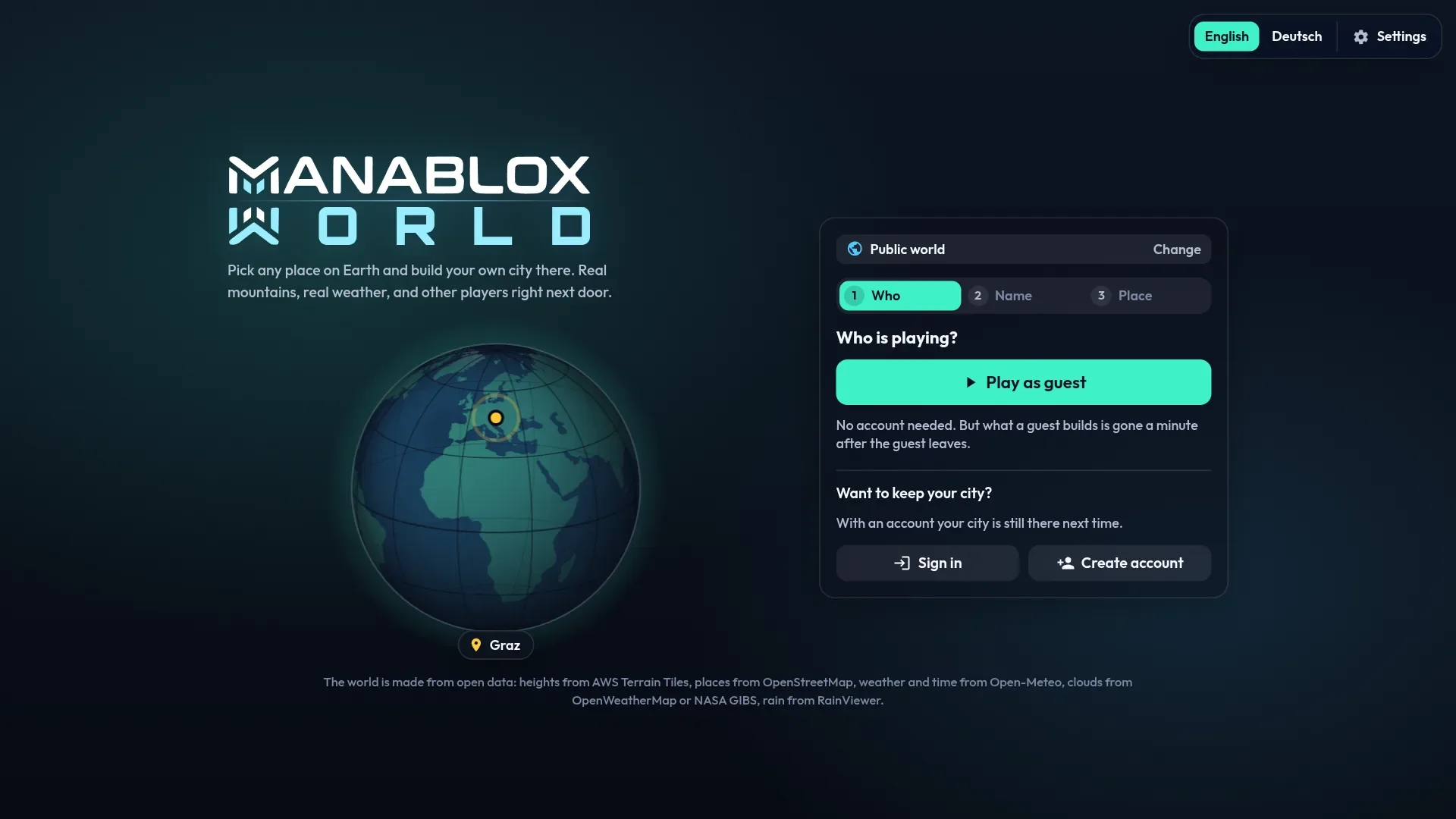
On the other computers in your network, open the game. Above the steps of the start screen is the line Where do you play? Choose Own server and type the address your server shows, like 192.168.1.20:3000. If you leave out the port, the game takes 3000. Next time your recent servers are listed there, so it is just one click.
You can also type the address straight into the browser: http://192.168.1.20:3000.
Updates
Every time it starts, the server looks for a newer version. If there is one, it says so in its window, and the start screen tells everybody who plays on it. Download the new version here and put it in the same folder.
Good to know
It needs the internet. The map data comes from the internet, just like in the public world. The server builds the land from it by itself.
No Google sign in. On your own server, accounts use an email and a password.
Your world lives in manablox-data. This folder next to the server holds the world and the map caches.
A world of its own. Accounts and cities on your own server stay on that server. They are not part of the public world.
Stop it with Ctrl+C. The server saves the world first.