
Feature
Build with Blocks
Build anything from blocks, place blueprints as see-through ghosts and fill them in, design in the clean room and reshape the land itself.
Blocks from 0.25 to 4 m
Twelve materials, from logs and bricks to steel and gold, plus stairs, doors, windows, lamps and ladders.
Props for every room
Beds, ovens, benches, street lamps, flags, parking bays and more: 61 props bring your builds to life.
Blueprints
Buy one of the 78 city building templates once and place it as often as you like, or share your own.
Ghost blocks
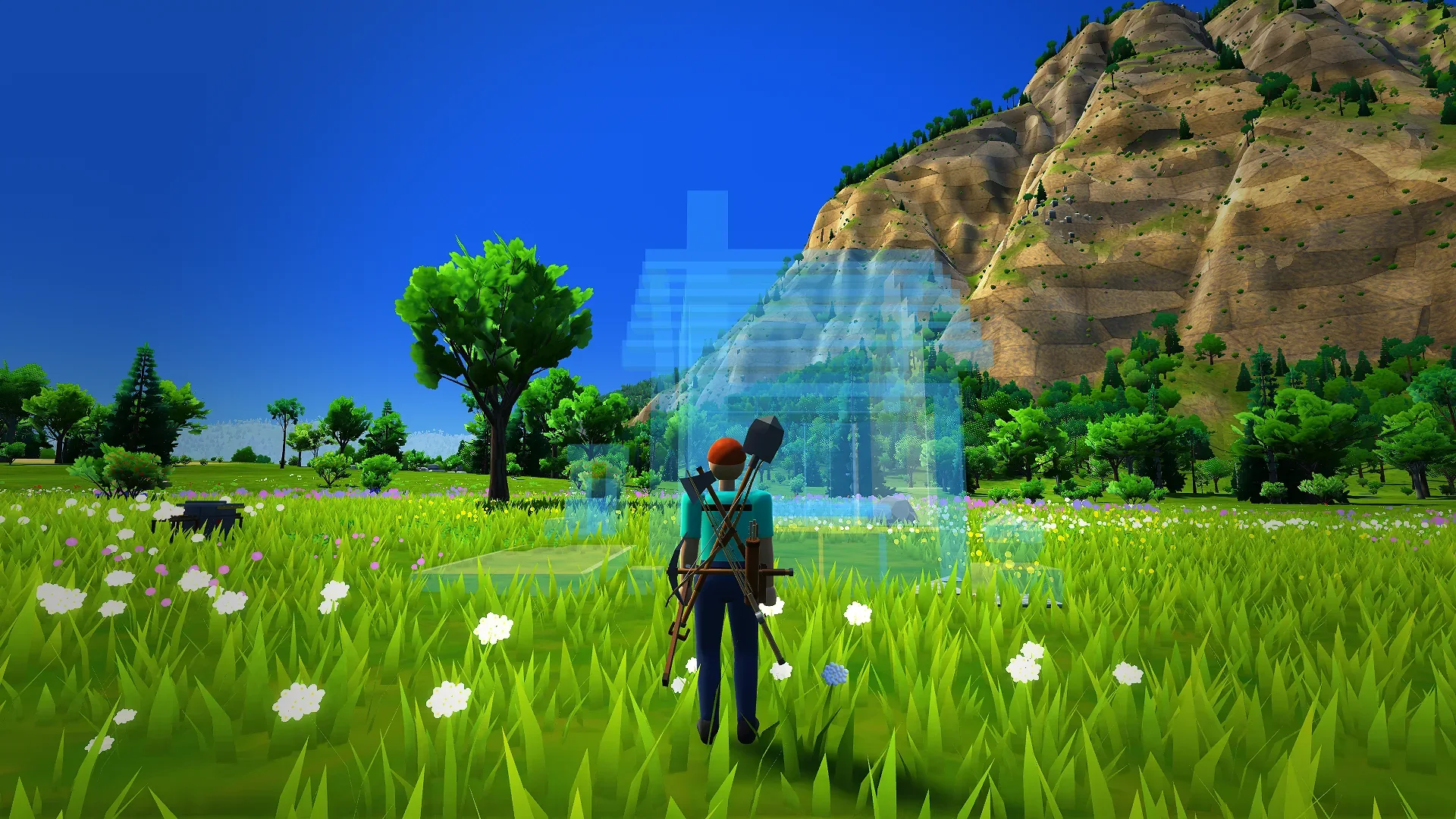
A placed blueprint shows up see-through. Fill it with what you carry, or let your builders finish it.
The clean room
Design in your head: every material is free, and you can fly, mirror, copy and undo. Save it as a blueprint.
Shape the land
Raise hills, lower valleys, flatten a building site, dig caves or tunnel straight through a mountain.
In Manablox World everything is built from blocks, from a tiny garden shed to a whole city hall. Press G and start building right where you stand.
Block by block
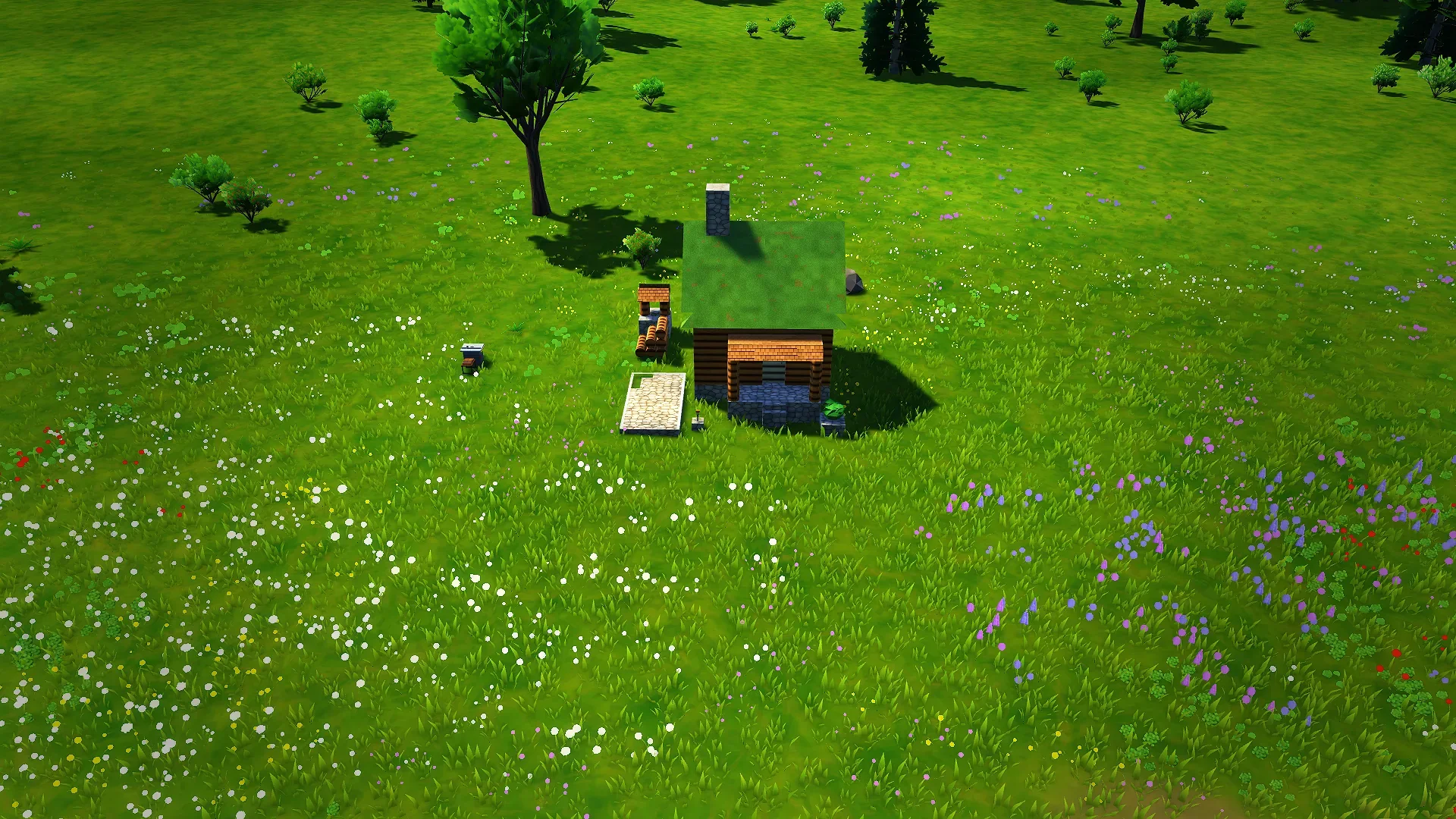
Click to put a block on the side you aim at, or hold and drag for a whole row. A right click takes it back, and you get its material back too. Blocks come in five sizes from 0.25 to 4 meters and in twelve materials, from rammed earth and logs to red bricks, steel and gold, many of them in several colours.
Besides plain blocks there are stairs, doors, windows, lamps, ladders and 61 props such as beds, ovens, fences and street lamps. The chisel (Q) rounds or slopes any edge. Your blocks come from your backpack, and from your warehouses when one stands within 300 meters.
 Open the picture in full sizeAchensee, Tyrol, Austria
Blueprints and the clean room
Press P for the blueprints: your own, the public gallery of other players, and the templates, the 78 buildings of a city from homes to harbours. Buy a template once and place it as often as you like. A placed blueprint appears as see-through ghost blocks. What you carry is built at once, and E next to it fills in more. The builders of your city do the rest by themselves, from the bottom up, with goods from your depot.
 Open the picture in full sizeAchensee, Tyrol, Austria
Want to design your own? Press U to step into the clean room, a dream space where every material is free. Fly around, undo, mirror, fill whole boxes and copy and paste. Pick what the building should be, like a home or a bakery, and a checklist shows what it still needs. Then save it as a blueprint. Meanwhile your body sits meditating in the world, and if something hurts it, you wake up.
What holds, and what falls
Blocks need a hold: a chain of blocks touching by a side or an edge, all the way down to the ground. A block that would float shows red and is not placed. Take away the wrong block and everything it held up falls as one piece and lands as rubble. Anybody can break rubble with the pickaxe to get the materials back, and after a day it crumbles away.
Shape the land
In the city view (V) the Land tool lowers and raises the ground, flattens a building site, smooths slopes, digs and fills. It can carve caves and overhangs and dig a tunnel straight through a mountain, up to 480 meters long. On foot, the shovel does the same, one scoop at a time.
 Open the picture in full sizeAchensee, Tyrol, Austria
Explore
More to explore
Grow Your Own Town
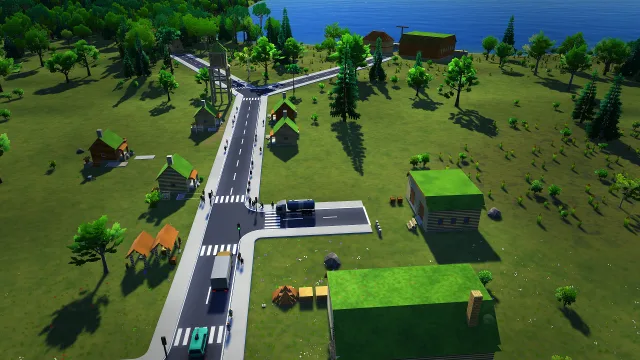
Build homes and settlers move in. Give them work, food and water, link up production chains, trade on the world market and make friends with other cities.
Explore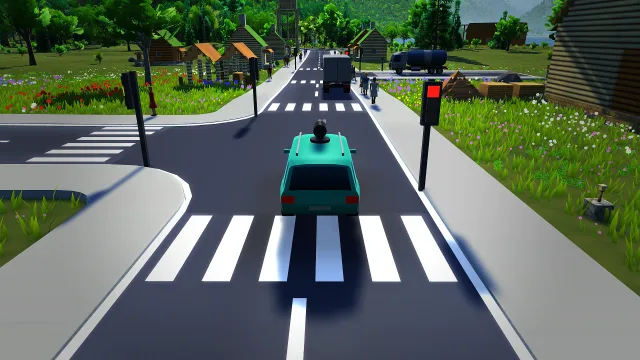
Hit the Road
Buy your first car at your own garage, then add a digger, a monster truck or even a tank. Fit new parts, paint them your way and drive through real traffic.
Explore
Fly and Sail
Take to the sky in planes and helicopters, or race across lakes and seas by boat. Build airfields and harbours, and your citizens fly and sail too.
Explore
Ready?
Land anywhere on Earth and start building
Pick a place, grab your axe and let Mira show you around.