Guide
All the controls
Every key, mouse button and gamepad button in one place: on foot, building, the city view, driving and the menus.
Your goals
- Find any key in a few seconds
- Learn the keys on foot and for building
- Steer the city view and its tools
- Drive, fly and sail with the right keys
- Play with a gamepad
Here are all the controls of Manablox World in one place, sorted by what you are doing. The keys are fixed, so what you read here is what works in the game. In the game itself, press H: the help panel shows the same tables.
Almost everything works with a gamepad too. Its buttons are at the end of this page.
On foot
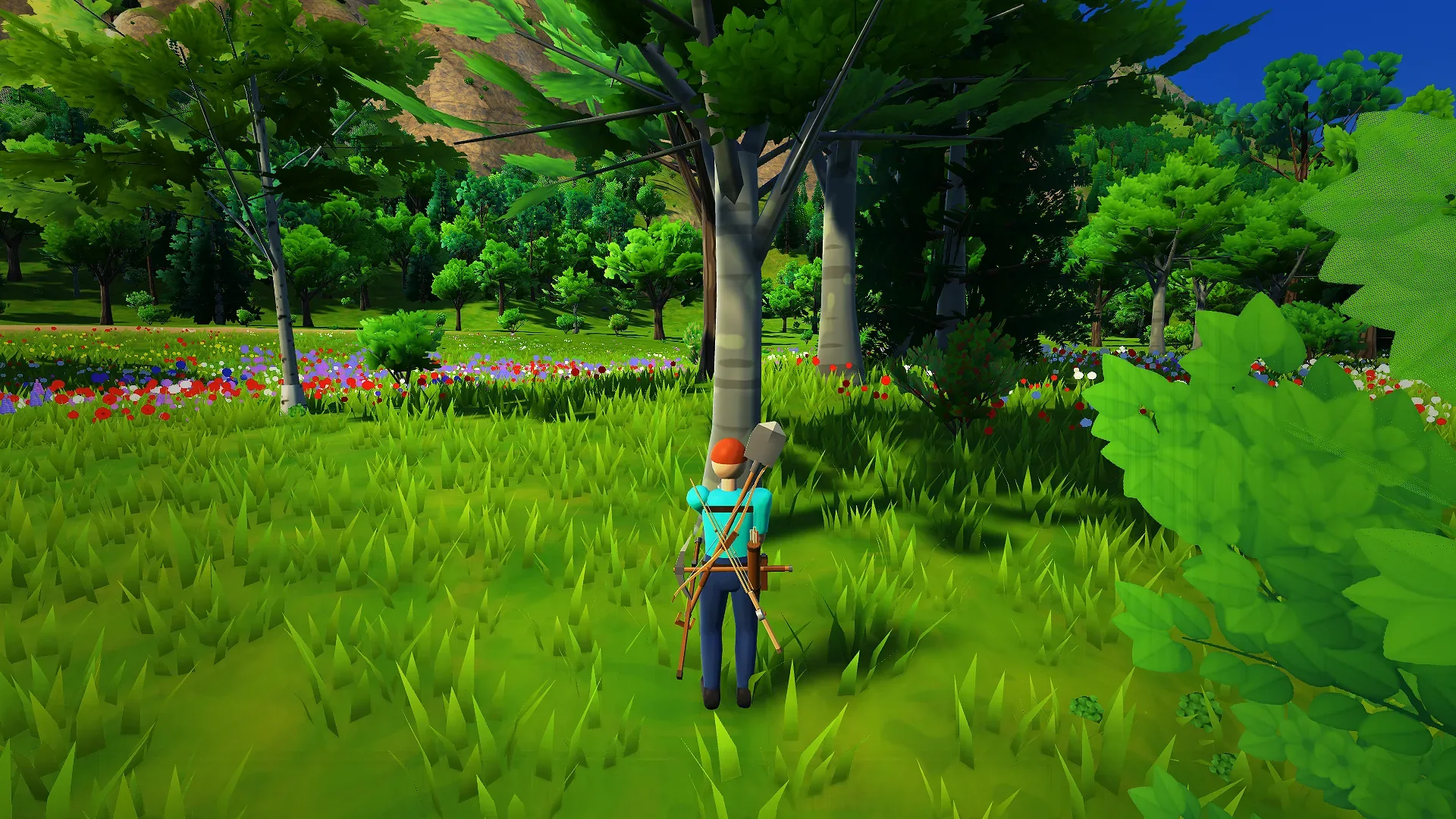
On foot
- WASD
- Walk
- Shift
- Run
- Space
- Jump
- Caps Lock
- Walk slowly (on / off)
- Space
- Falling high: open the wingsuit, again to pull the parachute (bought at your Tool maker)
- ADWS
- Wingsuit: steer with the look, dive, flare to slow down before landing. Parachute: turn, pull down, brake
- Mouse
- Look around (click first to catch the mouse)
- ClickorF
- Use the tool
- Hold click
- Bow: hold to draw (the longer, the farther and harder), let go to shoot
- Hold click
- Fishing rod: hold to cast (the longer, the farther), click when the float goes under, hold to reel in and ease off when the line strains
- Right click
- Shovel: fill. Pistol: aim. Bow: lower it without a shot. Rod: reel the line in
- 1-7orWheel
- Tools: shovel, axe, pickaxe, pistol, sword, bow and fishing rod (once bought)
- X
- Put the tool away (or press its number again), take it out again
- R
- Reload. Bow: arrows or bomb arrows
- E
- Use what is near: a vehicle, a bag, an arrow, a chest, a building
- E
- Climb: grab the steep rock, wall, tree or vehicle in front (also in a jump), again to let go
- WASD
- On a wall: climb up, down and to the sides; over the top you pull yourself up
- Space
- On a wall: leap up or the way you hold; look away from the wall to jump off
- B
- Backpack
- C
- View: eyes / from behind (you run where you push, the mouse turns the view)
- M
- Vehicles: call one you bought / get out
- V
- City view and back to your walker
- Esc
- Let the mouse go
Climbing, running and swimming use stamina, shown as a ring. It fills up again on the ground. Wet walls are slippery, and long falls hurt.
Building with blocks
 Open the picture in full sizeAchensee, Tyrol, Austria
Building with blocks
- G
- Build with blocks (on / off)
- ClickorF
- Put a block on the side you aim at; hold and drag for a row toward the aim
- Right click
- Take a block back (its material goes back too). What would fall with it shows orange first
- 1-9orWheel
- Hotbar: nine slots of a material and a kind, or a prop. The count is what your backpack and your warehouses nearby hold
- NorShift+Wheel
- Kind of the slot in hand: block, stairs, door, window, lamp, ladder, prop
- Tab
- Palette: every material and its colours, the kinds and the props with their bills
- RY
- Prop: turn it / where it sits (floor, wall or ceiling)
- ,.orCtrl+Wheel
- Size: 0.25, 0.5, 1, 2 or 4 m
- Q
- Place or chisel
- Click
- Chisel: aim at an edge, a corner or the middle of a side; a click rounds it
- Right click
- Chisel: make it sharp again
- R
- Turn what you place; chisel: round or slope
- Y
- Next shape of what you place: stairs corner or upside down, door hinge, lamp on floor, wall or ceiling
- Shift+RorShift+Y
- Turn or reshape a block of your build you aim at
- Middle click
- Take the material, kind and size of the block you aim at
- E
- Build the see-through blocks of your build with what you carry, bottom up; on your build: its name, what it does, what its builders miss, take it down
- P
- Blueprints: yours, the gallery and the templates (buy one once, place it as often as you like)
- RorWheel
- Placing a blueprint: turn it
- Click
- Placing a blueprint: place it within reach
- Y
- Colours of the blueprint in hand
- U
- Clean room: design blueprints in your head
Blocks need a hold: a chain of blocks touching by a side or an edge, all the way down to the ground. A block that would float shows red and is not put. A part cut off from the ground falls as rubble, which anyone can harvest with the pickaxe.
Clean room
The clean room is a dream scene where you design blueprints. Every material is free there, and your body waits in the world while you work.
Clean room
- Right drag
- Turn the view
- Middle drag
- Move the view
- Wheel
- Closer and farther
- WASD
- Fly
- SpaceorShift
- Fly up / down
- Click
- Put a block (every material is free here)
- Right click
- Take a block
- Middle click
- Take its material, kind, size and shape
- 1-9
- Hotbar slot
- Tab
- The palette of every material, kind and prop (free here)
- QRYN
- Place or chisel; turn (chisel: round or slope); next shape; next kind
- ,.orCtrl+Wheel
- Size: 0.25, 0.5, 1, 2 or 4 m
- Shift+RorShift+Y
- Turn or reshape the block you point at
- M
- Mirror across the middle (X, then Z, both, none)
- B
- Box: drag a box to fill with the block (again: to clear it, again: off)
- CV
- Copy a box (drag it), paste where you click
- Ctrl+ZorCtrl+Y
- Undo / redo
- EscorU
- Leave the clean room (your body waits where it sat)
City view
V lifts the camera high above your town. From up there you look around and build with the tools of the dock at the bottom of the screen.
City view
- WASD
- Move (or drag with the right button)
- Shift
- Move faster
- QE
- Turn (or drag with the wheel pressed)
- RF
- Look up / down
- Mouse wheel
- Zoom in / out
- JK
- Look under the ground: deeper / less deep
- L
- Back above the ground
- V
- Back to your walker
Build tools
- 1234
- Tools: Look, Roads, Trains, Paths
- 5678
- Tools: Power and water, Airfield, Buildings, Land
- 9
- Tool: Remove
- Click
- Add a piece
- B
- Click where the pointer is
- Double clickorEnter
- Done
- Backspace
- Undo
- Esc
- Cancel
- Del
- Remove what is chosen
- C
- Move or turn the chosen build
- PgUporPgDn
- Height or size (+ and - work too)
- GN
- Line up: grid / roads and buildings
- P
- Show water pipes
- Y
- Show resources: what is in the ground and what grows
- X
- Hold: remove with any tool
Land, buildings and trains
- Click
- Land: hold and drag to lower, raise, flatten, dig or fill
- Click
- Land tunnel: click the start, then the end
- Enter
- Land tunnel: dig it
- Click
- Land: blast a hole
- Ctrl+Z
- Undo the last land change
- ,.
- Land: strength or depth
- Click
- Buildings: buy a template blueprint once, then place it; your blueprints and the gallery too
- ,.orWheel
- Building in hand: turn it, with Shift a quarter turn
- Right click
- Building: put it away
- Click
- Your build: see how it is built and what it lacks; buy what is missing
- Del
- Your build: take it down (press twice)
- Click
- Train station: click the start, then the end
- Click
- Train switch: start a curve on a track
- Click
- Remove: one piece, or clear a lot; a build with a second click
- Drag
- Remove: a part of a line (drag along it)
Driving, flying and sailing
 Open the picture in full sizeAchensee, Tyrol, Austria
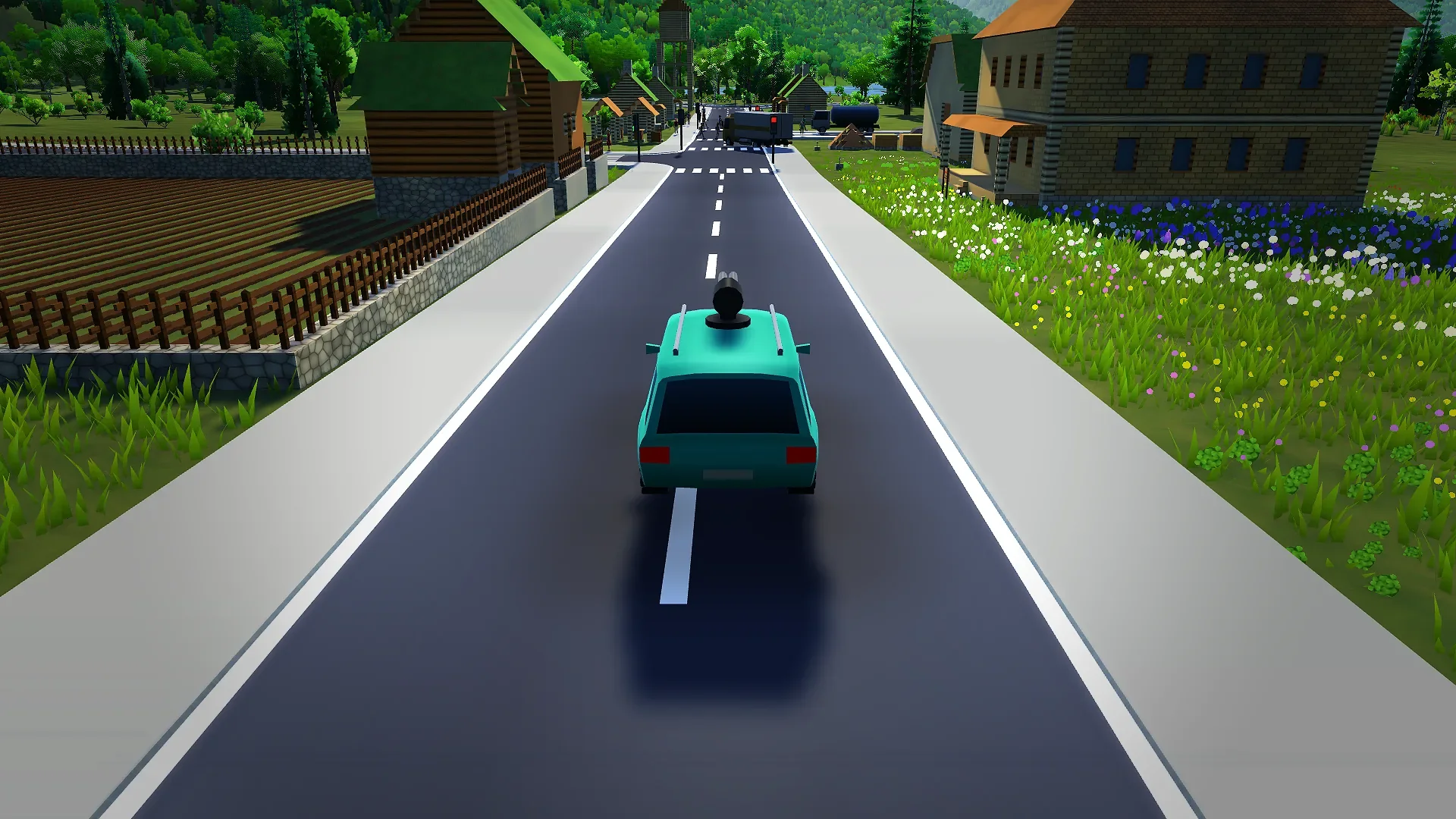
Driving, flying and sailing
- M
- Call one of your vehicles / get out (it stays parked)
- V
- Change vehicle
- WASD
- Faster and slower, steer (car, plane, helicopter, boat)
- UporDown
- Plane: nose up / down. Helicopter: fly up / down
- WUpS
- Plane: full power, pull up to take off; slow down low to land
- Space
- Brake
- Shift
- Boost
- C
- View: front / behind
- Wheel
- View: closer / farther
- Mouse
- Look around (click first to catch the mouse); the view turns back after a second
- X
- Drop a bomb (land vehicles)
- G
- Throw a bomb (land vehicles)
- ForClick
- Fire
- Q
- Switch weapon
- E
- Special move
- R
- Back on the wheels, or off the ground
- Esc
- Let the mouse go
Menus
Menus
- I
- My city
- T
- Write in the chat
- Tab
- Big map
- H
- Help
- O
- Settings
- EscorB
- Close a menu
To type a chat command, press the slash key (/).
Gamepad
Plug in a gamepad and play right away. Start opens the game menu, with the vehicles, the panels and everything that has no button of its own.
Gamepad: on foot and in panels
- Left stick
- Walk
- Right stick
- Look around
- LS
- Run
- A
- Jump; falling high: open the wingsuit, again to pull the parachute
- RT
- Use the tool
- LT
- Shovel: fill. Pistol: aim. Bow: lower it without a shot. Rod: reel the line in
- D-pad leftorD-pad right
- Tools
- D-pad down
- Put the tool away, take it out again
- LB
- Reload
- X
- Use what is near; climb
- Y
- Backpack
- RS
- View: eyes / from behind
- RB
- City view and back to your walker
- D-pad up
- Build with blocks (on / off)
- Start
- Game menu: vehicles, panels and what has no button
- View
- Big map
- D-pad
- In a panel: move the highlight
- A
- In a panel: press
- B
- In a panel: close
- LBRB
- In a panel: tabs
- Right stick
- In a panel: scroll
- A
- A text field opens the keyboard on screen
Gamepad: city view and driving
- Left stick
- City view: move
- Right stick
- City view: turn, look up and down
- LTRT
- City view: zoom in / out
- D-pad uporD-pad down
- City view: look under the ground, deeper / less deep
- X
- City view and clean room: the tools click at the crosshair in the middle (hold to drag)
- LS
- City view: pick in the build bar (catalog, road kinds, sizes)
- RBorB
- Back to your walker
- X
- Call one of your vehicles / get out
- Y
- Change vehicle
- RTLT
- Faster and slower, steer
- Left stick
- Plane: nose up / down. Helicopter: fly up / down
- B
- Brake
- A
- Boost
- D-pad up
- View: front / behind
- Right stick
- Look around
- RB
- Fire
- D-pad right
- Switch weapon
- LB
- Special move
- D-pad down
- Back on the wheels, or off the ground
- LSorRS
- Drop a bomb / throw a bomb (land vehicles)