
Part 1 of 7
First steps on the real Earth
Pick how you play and where on Earth you start, learn the first keys and meet Mira, your guide.
Your goals
- Choose how to play and where to start
- Walk, run, jump and look around
- Switch between your eyes and the view from behind
- Read Mira’s quest card
Manablox World is a whole planet to play on. Every mountain, lake and valley comes from real map data, and the sun, the weather and the time of day are the real ones for the place you pick. This first part takes you from the start screen to your first look around, with Mira at your side.
The start screen
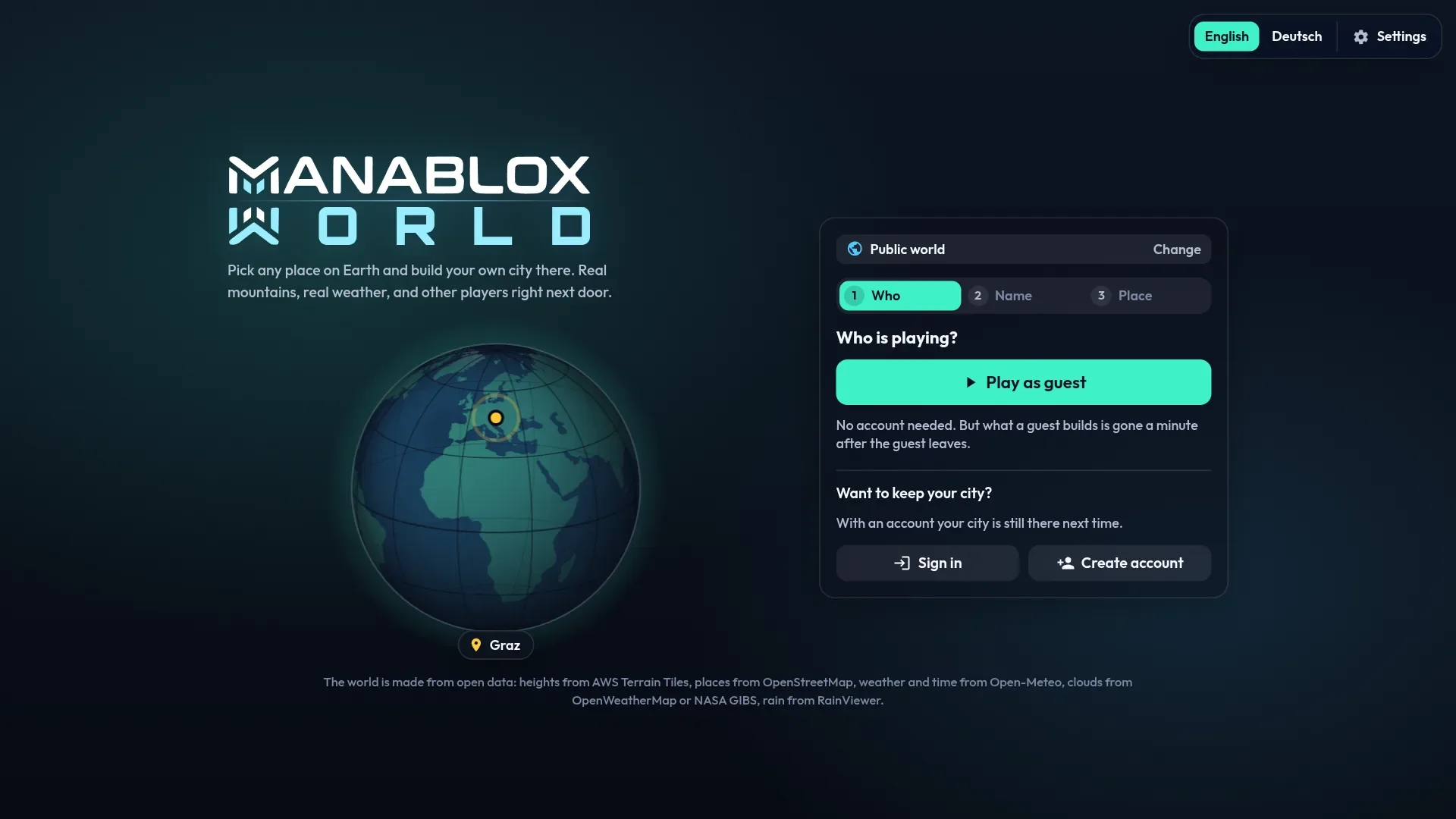
The start screen asks you three short questions. At the very top you can also choose where you play: in the public world, where everyone shares one Earth, or on the own server of a friend.
Three steps to your spot
Who is playing?
Pick Play as guest to jump right in, no account needed. Or pick Sign in or Create account, so your city is still there next time.
Your name and color
Type the name other players will see and pick one of eight colors. Your name and your color show on the map.
Where do you want to start?
Type a city or a place under Find a place, try a quick pick like Graz, the Matterhorn or the Grand Canyon, type two numbers under Exact spot, or simply click the globe. With an account, your own places are listed too, so you go straight back to your city.
Press Start
The camera flies down to your spot while the real mountains, rivers and streets load. This can take a moment.
Your first look around
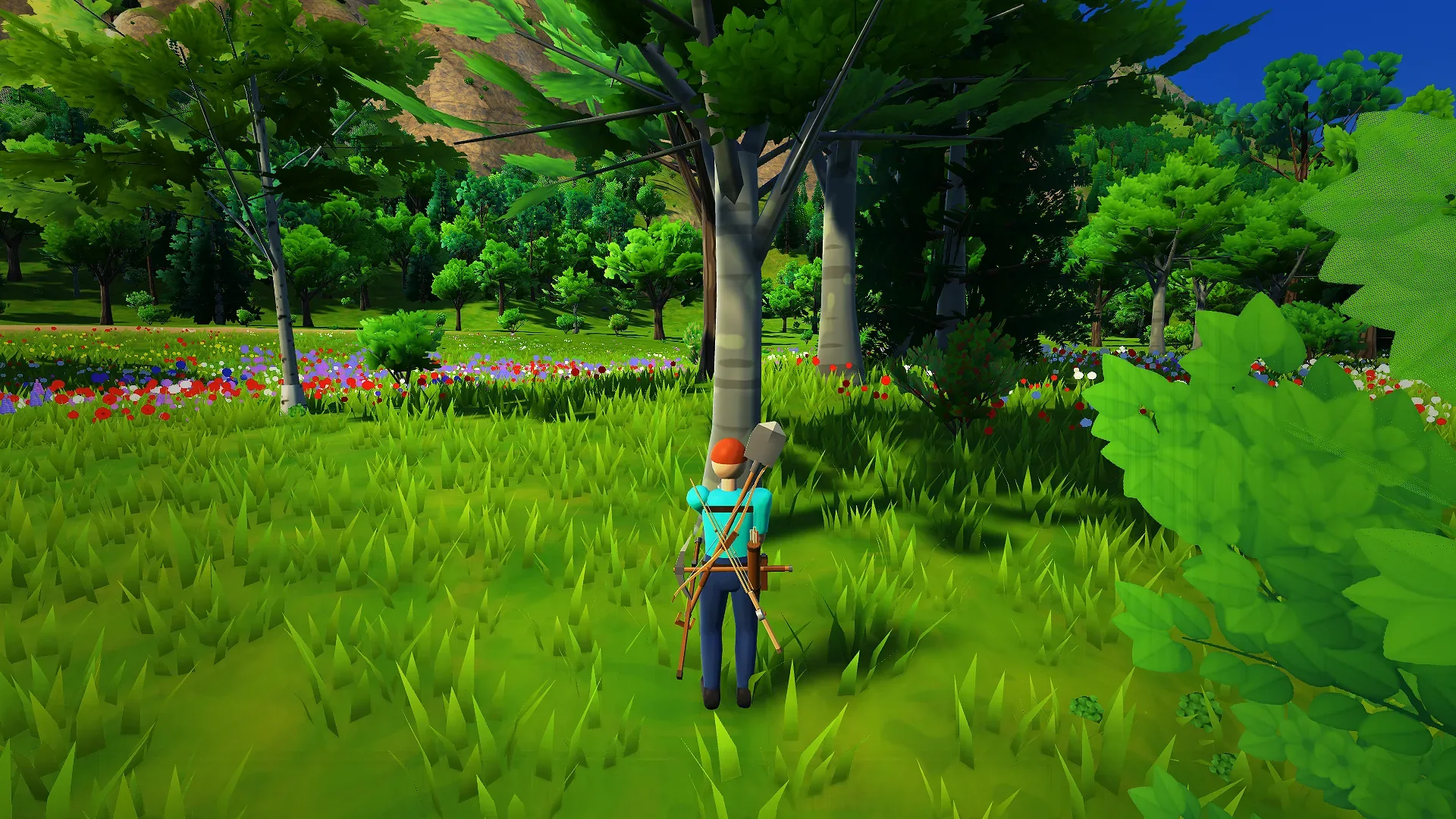
You land on foot and see the world through your own eyes. Click once into the game so it catches the mouse, then move the mouse to look around. Press C for the view from behind: now you see your character run, with the tools on its back. Press C again to look through your eyes once more.
Your first keys
- WASD
- Walk
- Shift
- Run
- Space
- Jump
- Mouse
- Look around (click first to catch the mouse)
- C
- View: eyes / from behind
- E
- Use what is near, or climb a steep wall, a tree or a vehicle
- B
- Backpack
- H
- Help
- Esc
- Let the mouse go
 Open the picture in full sizeAchensee, Tyrol, Austria
Meet Mira
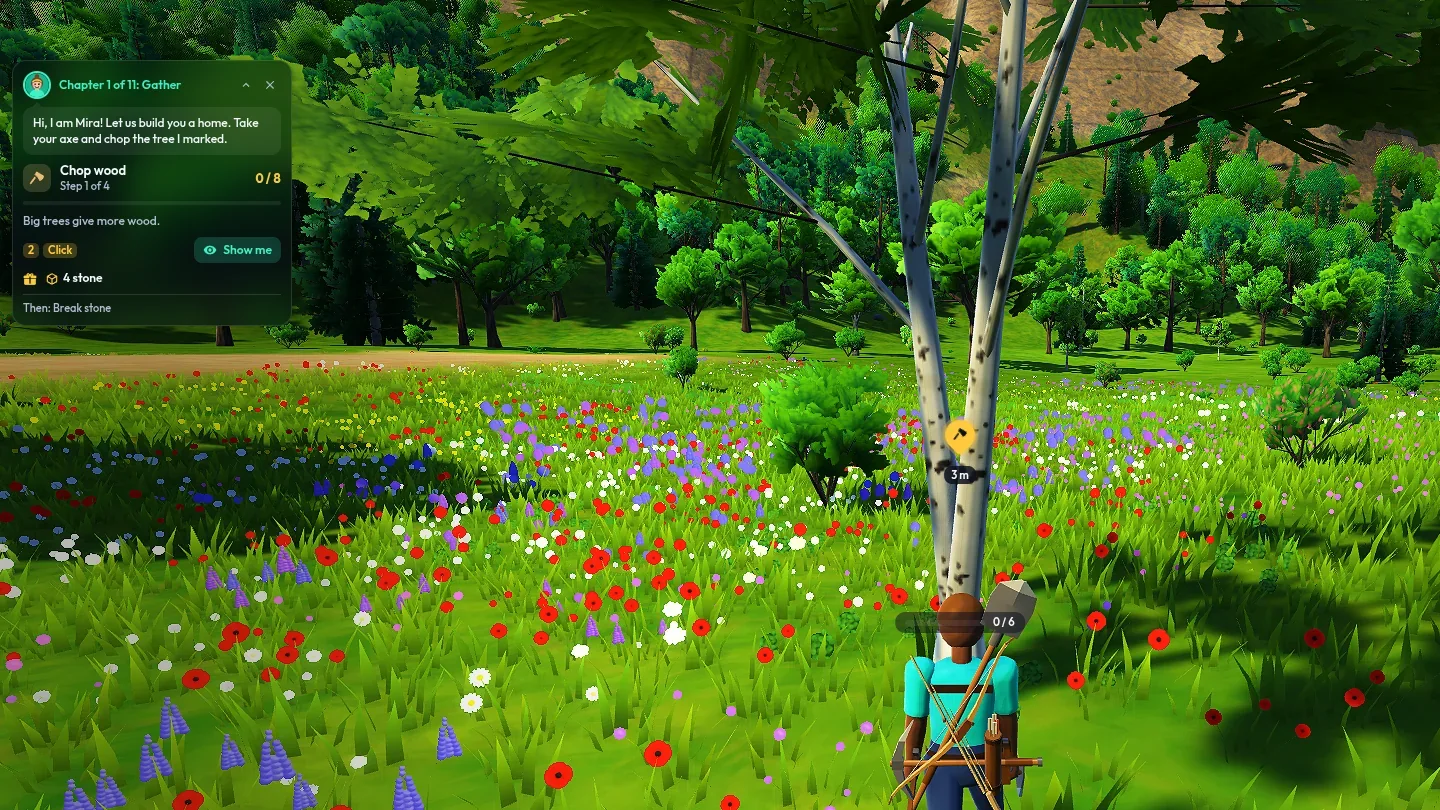
At the top left of the screen you find Mira’s card. Mira is your guide. She gives you one step at a time and tells you in a short line what to do. Her card names the chapter (there are eleven), the step, how far you are and the reward you get. Under Then it also shows the step after this one.
Mira helps in three more ways. A marker floats over the target in the world, like the tree she wants you to chop. When the target is off the screen, an arrow at the edge points the way and tells you how far it is. The keys a step needs light up on the screen. And Show me opens the right panel or tool for you.
 Open the picture in full sizeAchensee, Tyrol, Austria
Ready? Mira’s first chapter is all about gathering. In the next part you take out your axe and chop your first tree.