Guide
Roads, paths and railways
Draw streets, footpaths and railways, lead them over bridges and through tunnels, and connect your buildings with one click.
Your goals
- Draw a road with curves and crossings
- Lead a road over a bridge or through a tunnel
- Connect a building with one click
- Lay a railway with stations
Roads and paths are never needed in Manablox World. Goods find their way, and people find their work without them. So why build any? Because they bring your town to life: on roads your trucks, cars, police and fire engines drive, and on paths your people walk. And because a well-drawn street simply looks great.
Drawing a road
Press V for the city view and 2 for Roads. Pick a width, from the narrow Alley (3 m) over the Street (7 m) to the Highway (20 m), and a shape: Straight, Curve, S-bend or Roundabout.
Your first street
Open the Roads tool
Press V for the city view, then 2.
Pick width and shape
A Street with the Straight shape is a good start for a town.
Click point after point
Every click adds a piece. The tape above the dock shows the length.
Finish it
Double click or press Enter. A click on another road or on a building’s outlet finishes the road by itself.
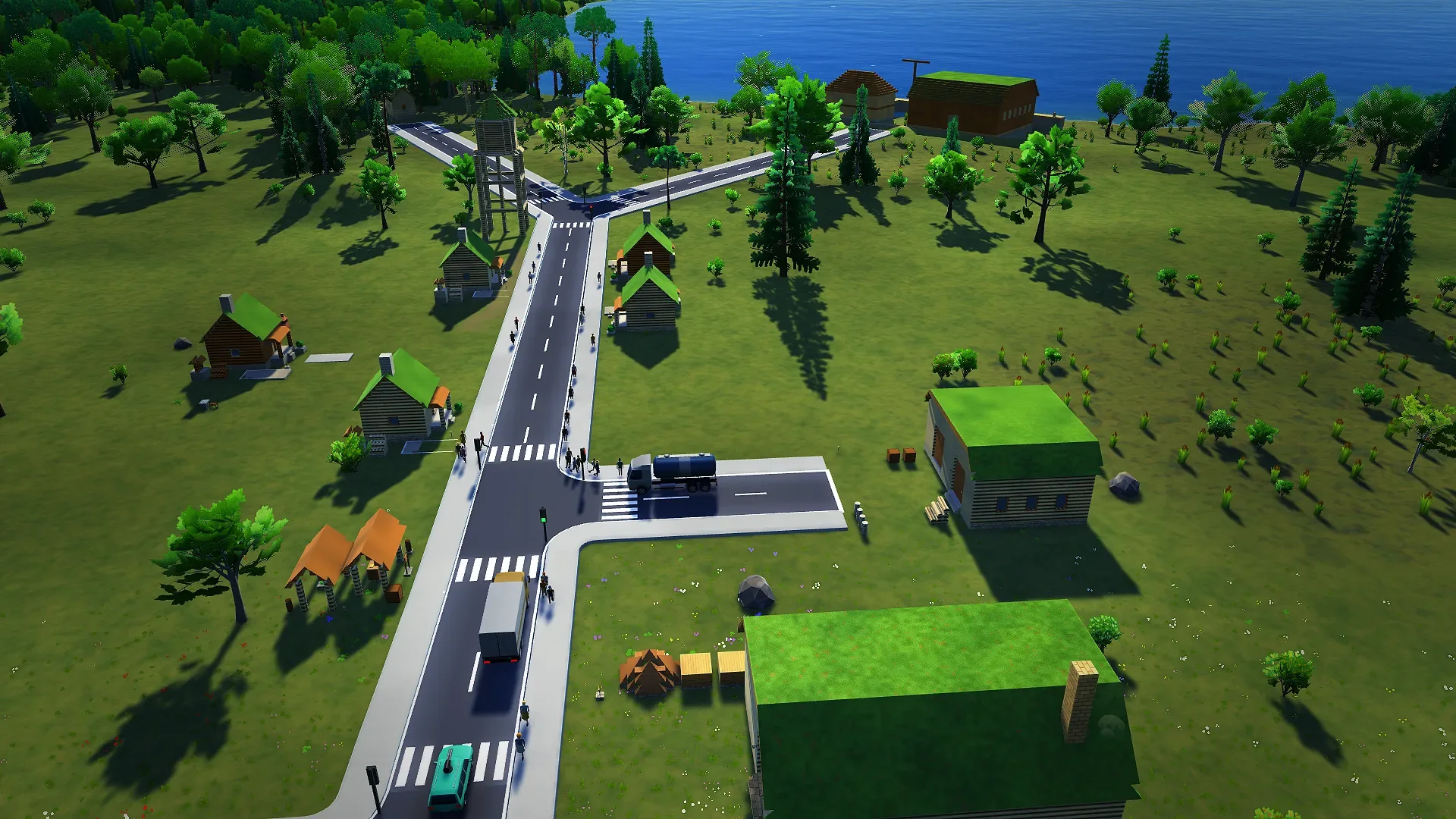
Backspace takes back the last piece, and Esc throws away what you drew. Roads snap onto road ends and onto other roads nearby. Where roads meet, they form a crossing that stays level even on a hill. Roads from 6 meters wide get sidewalks and zebra crossings by themselves, and bigger crossings get traffic lights. With the shape Edit you move, bend or remove what you built.
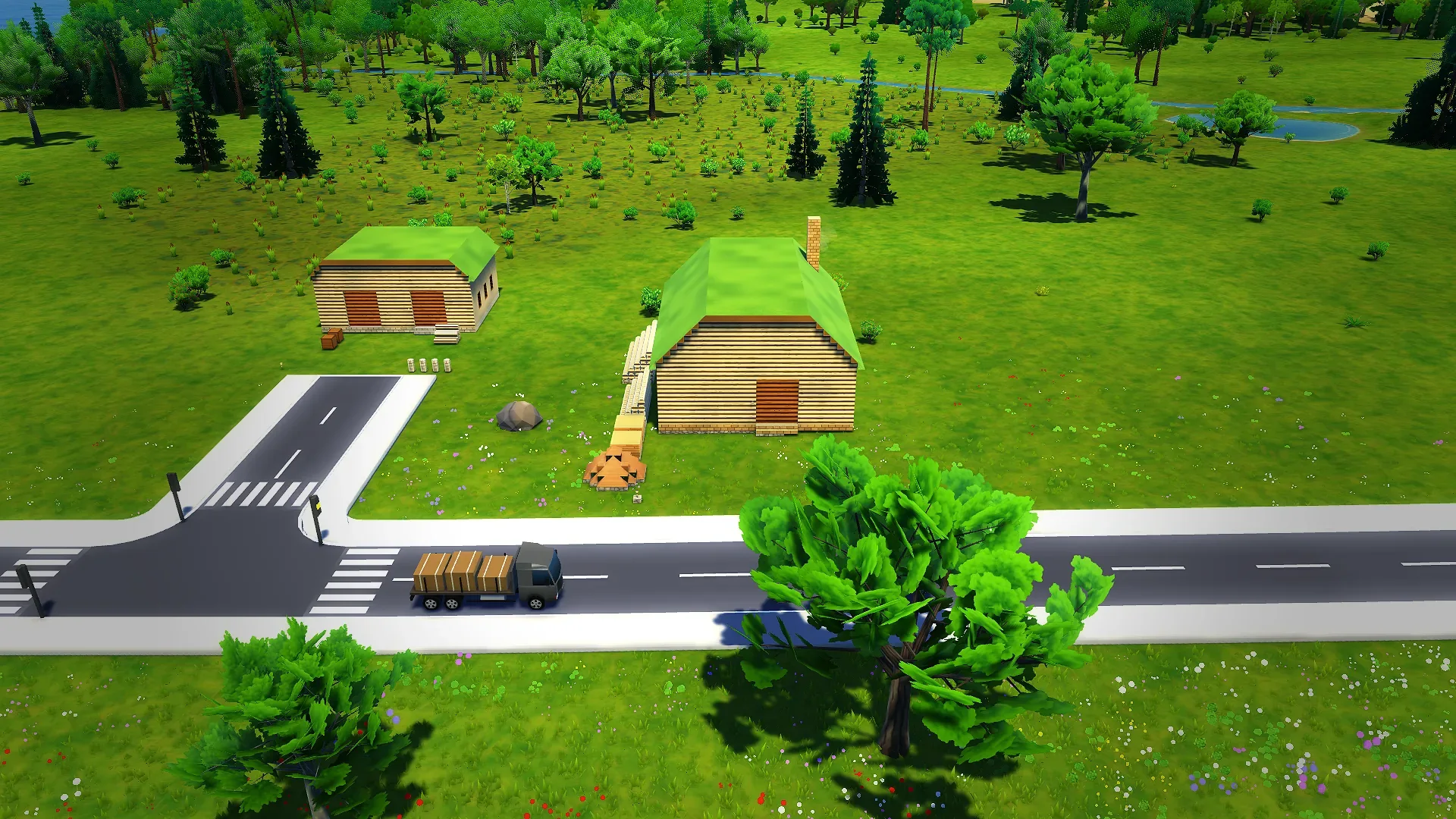
 Open the picture in full sizeAchensee, Tyrol, Austria
Bridges, trenches and tunnels
Under Where you choose how the next piece runs: On the ground, as a Bridge on pillars, in a Trench dug into the ground, or through a Tunnel. PgUp and PgDn lift or lower the next points in steps of 2 meters, so a road can ramp up to an overpass. Roads more than 2.5 meters apart in height pass over each other without a crossing. A road climbs at most 12 percent, and a tunnel can be up to 480 meters long.
On the ground, a road shapes the land by itself: it cuts into the hill on one side and builds an embankment on the other, for free.
Connecting buildings
Every building that does a job has a road outlet in the middle of its front, and a path outlet at each door. In the Roads and Paths tools the outlets show on your buildings: green when a road reaches them, orange when not. Draw toward an outlet, and the road turns in straight and finishes by itself.
Even quicker: press 7 for Buildings, click a building and press Connect to road or Connect with path. The game lays the way to the nearest road or path and shows you the price first. A click or Done builds it.
 Open the picture in full sizeAchensee, Tyrol, Austria
Paths for people
Press 4 for Paths. There are three widths: Footpath (1.5 m), Sidewalk (2.5 m) and Promenade (4 m). Nobody drives on paths. Where a path crosses a road, a zebra crossing appears, and cars stop for the people on it.
Railways
Press 3 for Trains. Lay one or two tracks, with or without an overhead wire: electric trains are faster and make no smoke. Two clicks place a station where trains stop. Tracks need wide curves and gentle slopes of at most 6 percent. A click on a track starts a switch, and where tracks cross a road, barriers come down when a train comes. Trains run by themselves between your stations and carry people and goods.
 Open the picture in full sizeVienna, Austria
Road and rail keys
- V
- City view and back to your walker
- 234
- Tools: Roads, Trains, Paths
- Click
- Add a piece
- Double clickorEnter
- Done
- Backspace
- Undo
- Esc
- Cancel
- PgUporPgDn
- Height of the next points
- GN
- Line up: grid / roads and buildings
- Click
- Train station: click the start, then the end
- 9
- Tool: Remove
- Drag
- Remove: a part of a line (drag along it)
- X
- Hold: remove with any tool
Want a hill out of the way first? The guide to shaping the land shows you the land tools.