
Guide
Shaping the land
Raise hills, flatten a building spot, dig caves and tunnels or blast a hole: everything about the land tools and their limits.
Your goals
- Raise, lower, flatten and smooth the ground
- Dig caves and tunnels into a hillside
- Undo a change and look under the ground
- Know what you cannot change
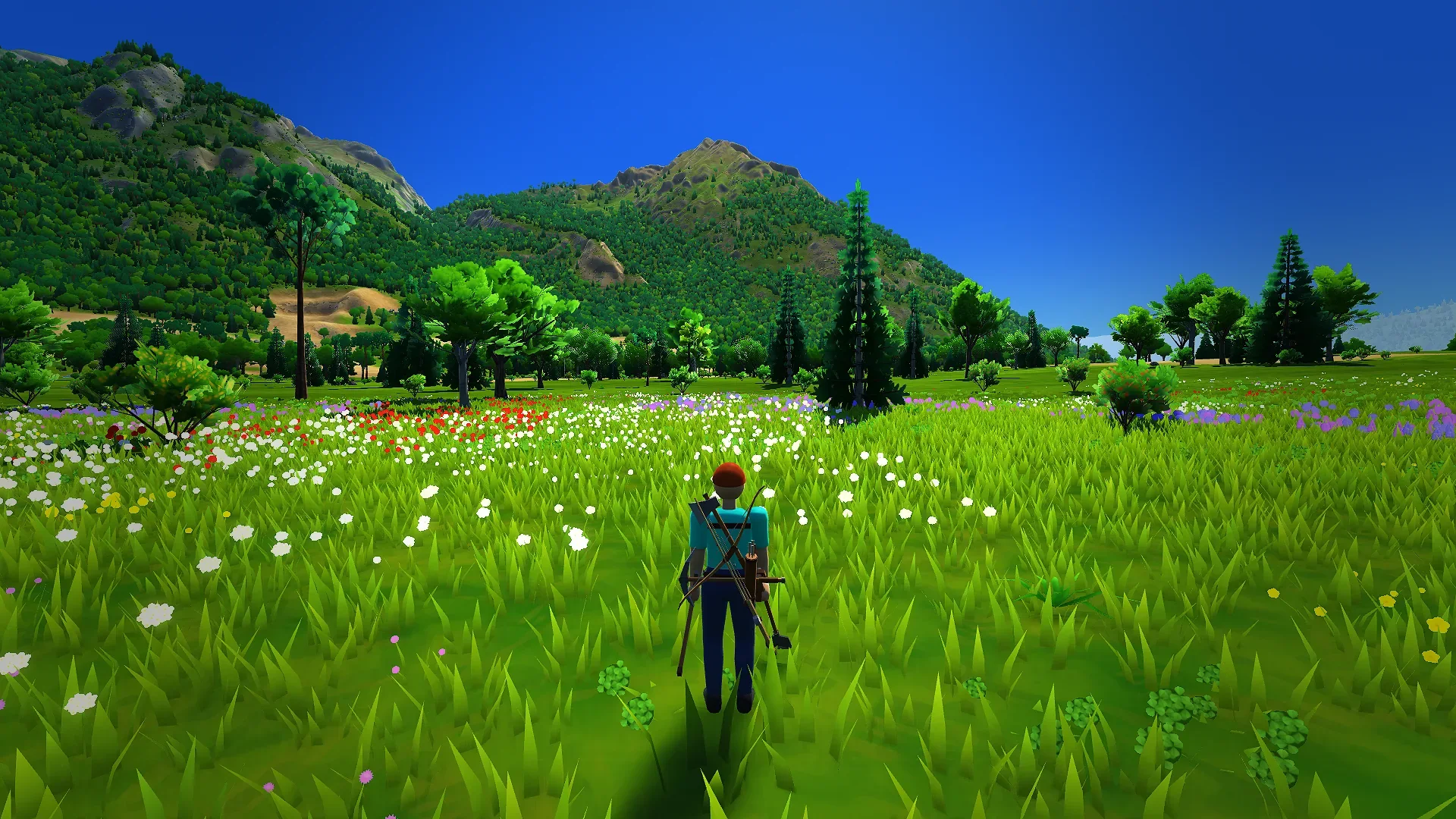
The ground in Manablox World is real: real heights, real slopes, real cliffs. And you can change it. Flatten a spot for your town, raise a hill, dig a cave or a tunnel right through a mountain. Every player sees what you changed.
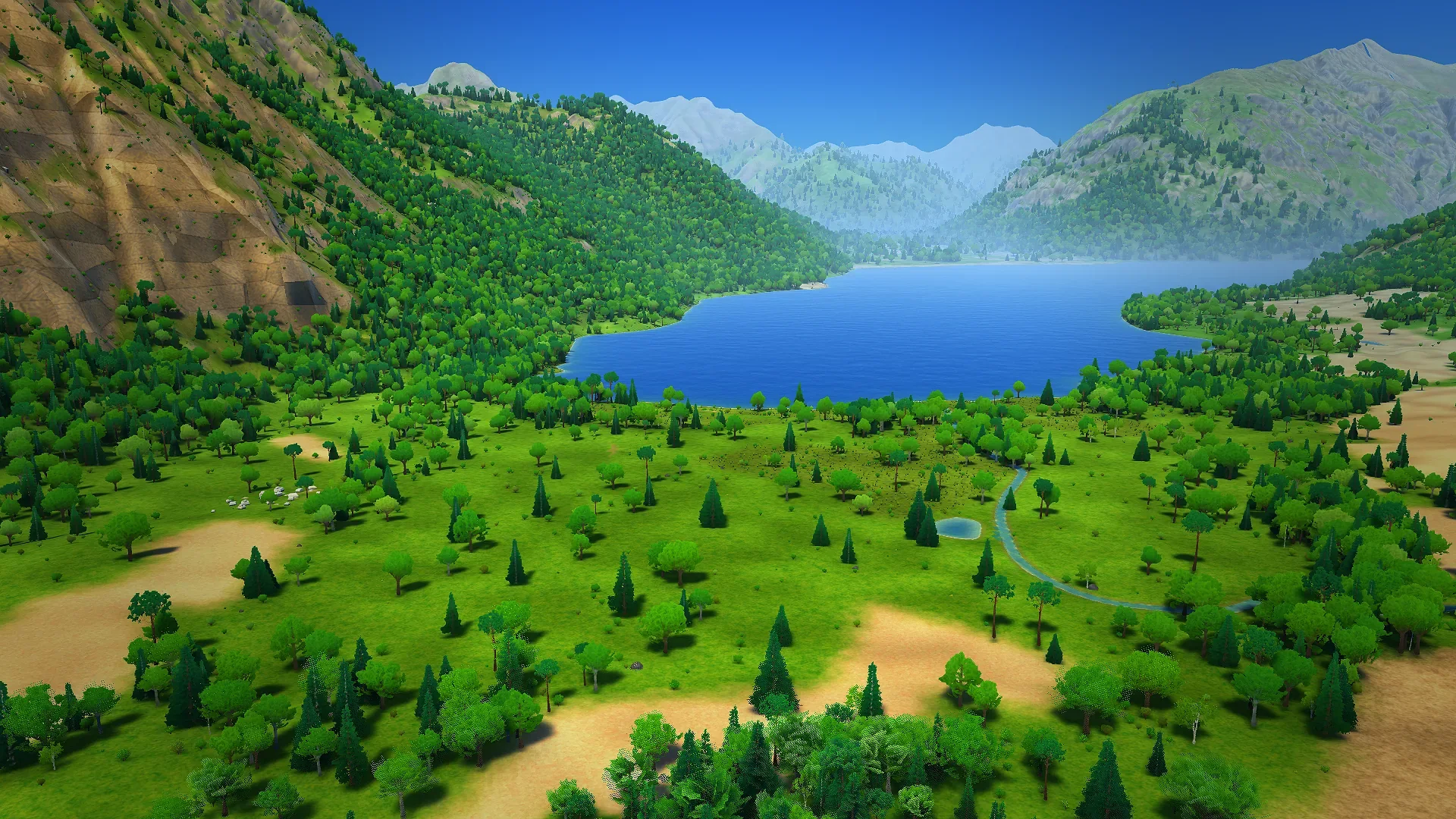 Open the picture in full sizeAchensee, Tyrol, Austria
Where the land tools are
Press V for the city view, then 8 for the Land tool. Pick a brush, set its size and its strength, and work the ground with the mouse. Each pass costs coins for the earth it moves, and the readout tells you the price of the next pass.
Height brushes
Four brushes change the surface: Lower, Raise, Flatten and Smooth. Hold the mouse button and drag. Flatten makes the ground as flat as where you start, which is perfect for a building spot. They work from 5 up to 100 meters around the pointer.
Digging into the ground
Dig and Fill work inside the ground, not only on top. With them you carve caves and overhangs, or fill a hole with earth again. The Tunnel takes two clicks, a start and an end up to 480 meters apart, and Enter digs it. Blast sets an explosive charge that blows a crater after a short fuse.
Land keys
- V
- City view and back to your walker
- 8
- Tool: Land
- Click
- Land: hold and drag to lower, raise, flatten, dig or fill
- PgUporPgDn
- Size of the brush
- ,.
- Land: strength or depth
- Click
- Land tunnel: click the start, then the end
- Enter
- Land tunnel: dig it
- Click
- Land: blast a hole
- Ctrl+Z
- Undo the last land change
- JK
- Look under the ground: deeper / less deep
- L
- Back above the ground
Undo and look under the ground
Changed your mind? Ctrl+Z takes your last land change back and gives you its price back, up to your last ten strokes. It does not work when somebody else has changed that ground since. To see your caves and tunnels, look under the ground with J and K, as deep as 100 meters, and press L to come back up.
On foot with the shovel
Small jobs do not need the city view. On foot, the shovel digs a little hole with every swing, and a right click fills it again with earth from your backpack. Shovel digs cost nothing.
 Open the picture in full sizeAchensee, Tyrol, Austria
Roads shape the land too
A road, a railway or a runway on the ground grades the land by itself: it cuts into the hill on one side and builds an embankment on the other, for free. That ground stays as it is when you remove the line later.
Limits and what is protected
Mapped roads, flowing water and its banks cannot be changed.
Under protected ground, digging keeps 6 meters of rock, and under water 10 meters.
The ground goes at most 96 meters below and 48 meters above where it was.
One player can move only so much earth per hour. Reach the limit, and you wait a little.
A lump of ground that no longer touches the rest falls away. Overhangs and cave roofs stay up.
Plants and grass go where the ground moved, and bare soil and rock show in the cut.
Once the land is ready, draw a road across it: the guide to roads and paths shows you how.